City, county, and ZIP sales tax rates matter because US sales tax often combines state and local rates into one transaction rate. Reverse tax should use the combined rate printed on the receipt or confirmed for the sale location, not only the statewide rate. ZIP codes can cross tax boundaries, and product taxability, marketplace collection, shipping rules, exemptions, and transaction date can still change the rate actually charged.
What Are City, County, and ZIP Sales Tax Rates?
City, county, and ZIP rates are ways of describing local sales tax by geography.
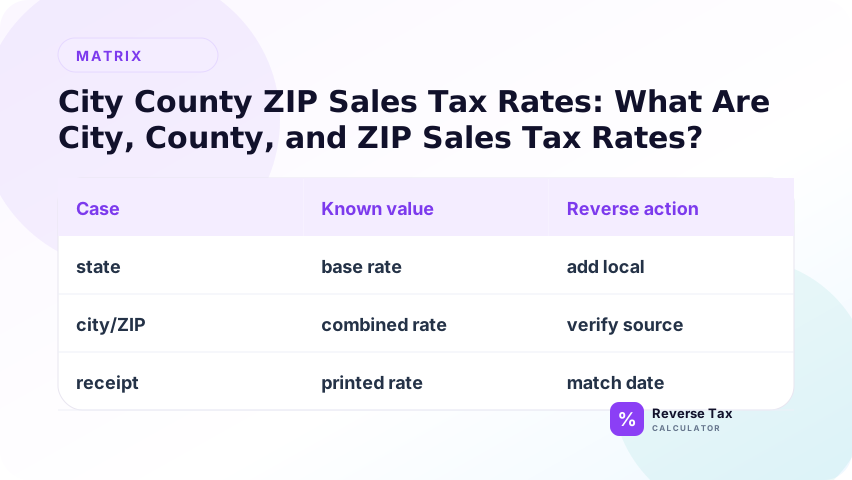
| Rate type | What it means | Reverse-tax risk |
|---|---|---|
| City rate | Rate associated with a city | City boundaries may not match mailing address |
| County rate | Rate associated with county area | Cities inside county may add tax |
| ZIP rate | Rate estimated by postal area | ZIP codes can cross tax boundaries |
| Address rate | Rate for exact address | Usually most reliable |
| Combined rate | Total applicable rate | Best input if it matches the taxable total |
For reverse tax, the rate should match the receipt or invoice total being reversed.
Which Location Input Is Best?
Use the most specific input available.
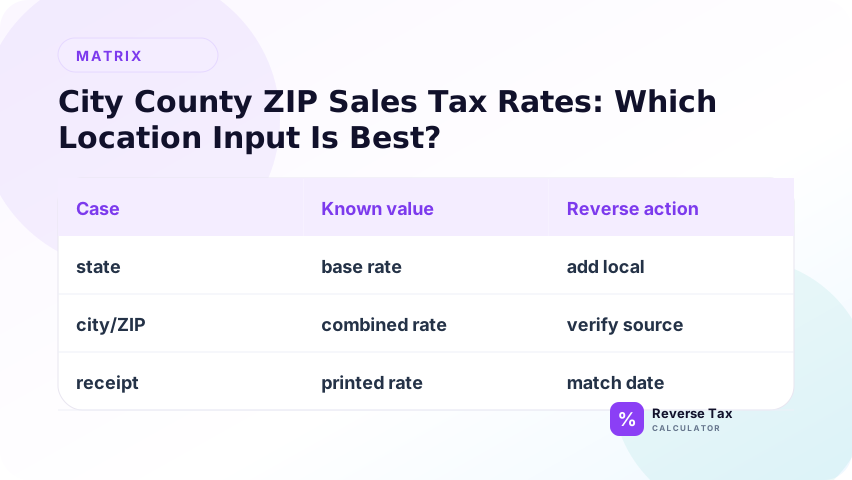
| Input | Reliability | Best use |
|---|---|---|
| Full street address | High | Official lookup and business records |
| Store location | High if exact | In-person receipt |
| Delivery address | High if sourcing uses destination | Online orders |
| City and state | Medium | Quick estimate |
| County and state | Medium | County-level guidance |
| ZIP code | Medium to low | Initial lookup only |
An official address lookup is better than a generic ZIP result when the amount matters.
Why ZIP Code Rates Can Be Wrong
ZIP codes are postal delivery areas, not tax boundaries. A single ZIP code can include multiple cities, counties, or special tax districts. A city name can also be used in mailing addresses outside the actual city boundary.
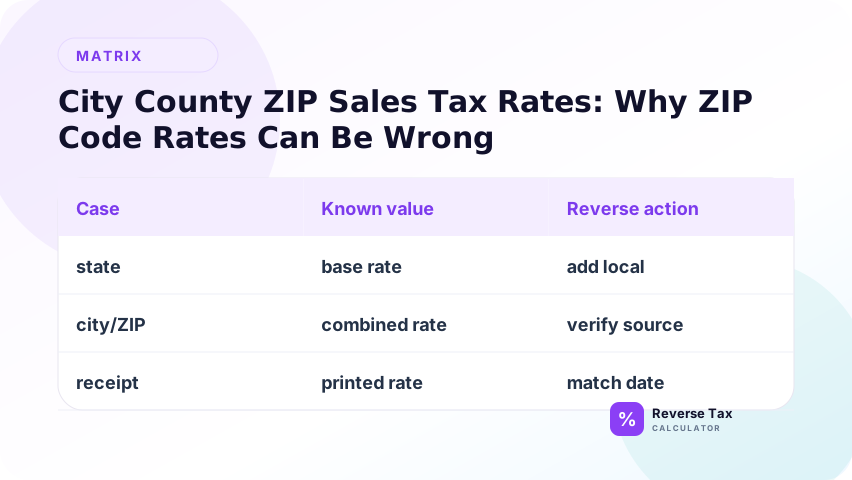
This matters because reverse tax is sensitive to rate differences.
Example:
| Rate | Total | Pre-tax amount | Included tax |
|---|---|---|---|
| 7.25 percent | 107.25 | 100.00 | 7.25 |
| 8.25 percent | 107.25 | 99.08 | 8.17 |
The same total produces different answers when the location rate changes.
How Local Rates Affect Reverse Tax
Reverse tax uses:
Pre-tax amount = Total / (1 + rate / 100)
If a local rate is missing, the included tax is understated. If the wrong district rate is added, the included tax is overstated.
| Error | Result |
|---|---|
| State rate only used | Too little tax removed |
| Wrong city used | Tax split may be close but wrong |
| ZIP-only estimate used | Boundary mismatch possible |
| Correct address rate used | Stronger result |
Example Calculation
This example should show why local rates matter. A state rate alone can miss city, county, district, or special rates that are included in the receipt total. To reverse tax accurately, use the combined rate that applied to the transaction location and date. If the receipt shows a tax amount, calculate the implied rate and compare it with the expected combined local rate.
Suppose a receipt total is 216.00. The city lookup shows 8 percent, but a ZIP lookup suggests 7.5 percent.
Using 8 percent:
216.00 / 1.08 = 200.00
216.00 - 200.00 = 16.00
Using 7.5 percent:
216.00 / 1.075 = 200.93
216.00 - 200.93 = 15.07
The difference is 0.93. On larger invoices, the difference becomes more important.
Example: Same County, Different City
Two stores can be in the same county but have different city or district tax rates.
| Store | County | City or district | Combined rate |
|---|---|---|---|
| Store A | Same county | City inside district | 8.25 percent |
| Store B | Same county | Area outside district | 7.25 percent |
For a 1,072.50 tax-inclusive purchase:
At 8.25 percent:
1,072.50 / 1.0825 = 990.76
At 7.25 percent:
1,072.50 / 1.0725 = 1,000.00
The wrong local boundary changes the pre-tax amount by 9.24.
Example: Same ZIP, Different Tax District
ZIP codes are postal routes. If a ZIP crosses a district boundary, two addresses in the same ZIP can have different rates.
| Address input | Possible problem |
|---|---|
| ZIP only | May return a common or average rate |
| ZIP plus city | May still miss district boundary |
| Full address | Can identify district more precisely |
For reverse tax, this matters most when the receipt does not show a clear rate and you are reconstructing the tax split from a total.
Lookup Workflow
Use this workflow for city, county, and ZIP rate searches:
- Start with the exact transaction address.
- Identify whether the transaction was in-store, delivered, or billed.
- Use the official state or tax authority lookup if available.
- Confirm the effective date.
- Check whether the product or service is taxable.
- Use the combined rate for the taxable amount.
- Keep the source link or receipt evidence.
California CDTFA, for example, provides current rate files and an address lookup tool. Its rate page also notes that the statewide rate is 7.25 percent and that local district taxes can increase the tax owed.
What to Record for Rate Evidence
If the calculation is for accounting or customer support, keep a small evidence trail:
| Evidence | Why it helps |
|---|---|
| Transaction date | Rates can change |
| Store or delivery address | Determines local rate |
| Receipt subtotal and tax | Confirms implied rate |
| Official lookup result | Supports chosen rate |
| Product taxability note | Explains taxable base |
| Screenshot or saved PDF | Helps future review |
This is especially useful when a customer asks why a reverse tax result does not match their receipt.
City vs County vs ZIP Decision Matrix
| You know | Best next step |
|---|---|
| Full address | Use official address lookup |
| Store name only | Find store address first |
| City only | Check official city and district rates |
| County only | Check whether city rates also apply |
| ZIP only | Use as estimate, then verify address |
| Receipt subtotal and tax | Calculate implied rate from receipt |
| Old receipt | Use historical rate table |
Local Rate Entity Map
Local-rate pages can become confusing because people use location words loosely. Keep these entities separate:
| Entity | Meaning |
|---|---|
| Mailing city | Name used in address |
| Incorporated city | Legal city boundary |
| County | County government area |
| ZIP code | Postal delivery area |
| Tax district | Area where a special tax applies |
| Combined rate | Total rate for the taxable transaction |
The combined rate is the calculator input. The other entities are clues used to find it.
How to Use a Receipt to Confirm a Local Rate
A receipt can confirm a local rate when it shows subtotal, tax amount, location, and transaction date. Divide tax by taxable subtotal to find the implied rate, then compare it with the combined city, county, ZIP, or district rate. If the implied rate is close but not exact, check rounding, exempt items, taxable shipping, and multiple local components.
If the receipt shows subtotal and tax, calculate the implied rate:
Rate = Tax / subtotal x 100
Example:
8.25 / 100.00 x 100 = 8.25 percent
Then compare that implied rate with the official address rate. If they differ, check for exempt items, multiple rates, shipping, or rounding.
City Rate Search Intent
A search like “New York City sales tax rate” or “Oklahoma City sales tax rate” usually means the user wants the combined checkout rate for that city. But a city query may still need product rules, exemptions, and effective date verification.
| Query type | Hidden issue |
|---|---|
| City sales tax rate | City boundary and item taxability |
| County sales tax rate | Cities inside county can differ |
| ZIP sales tax rate | ZIP may cross boundaries |
| Sales tax near me | Browser location may be imprecise |
| Sales tax on receipt | Receipt may include mixed items |
Common Mistakes
Common mistakes include using only the state rate, assuming ZIP code alone always determines the rate, ignoring special districts, using today's rate for an old receipt, and applying one local rate to mixed locations. The safest workflow is to use the transaction date, actual sale location or delivery address, and official combined rate support.
The most common reverse-tax error is treating the state rate as the full rate. Many receipts include city, county, district, transit, or special local components. ZIP codes can also overlap jurisdiction boundaries. When precision matters, use official lookup tools or receipt evidence tied to the transaction address and date.
Using ZIP Code as Final Proof
A ZIP result can be useful, but it may not be exact.
Ignoring City Limits
A mailing city can differ from the taxing city.
Forgetting District Taxes
District taxes can apply to specific local areas.
Using Current Rate for an Old Receipt
Use the historical rate that applied on the transaction date.
Applying Local Rate to Exempt Items
Local rate does not matter if the item was exempt from the tax.
When a City or ZIP Page Should Not Be Used
Do not rely on a city, county, or ZIP page as the final rate source when:
| Situation | Better source |
|---|---|
| High-value business invoice | Official address lookup |
| Historical receipt | Historical official rate table |
| Mixed taxable and exempt items | Receipt line detail |
| Delivered online order | Official sourcing guidance |
| Border address | Full address lookup |
| Audit or tax filing | Tax authority records |
This page helps choose the rate path. It does not replace official tax guidance.
Reverse Tax Example with Address Evidence
Suppose a business receipt shows a total of 541.25, but the printed rate is faded. The store address can be verified through an official lookup as 8.25 percent for the transaction date.
Reverse tax:
541.25 / 1.0825 = 500.00
Included tax:
541.25 - 500.00 = 41.25
Evidence record:
| Evidence | Value |
|---|---|
| Store address | Exact transaction location |
| Transaction date | Effective-rate filter |
| Official lookup rate | 8.25 percent |
| Receipt total | 541.25 |
| Reconstructed pre-tax amount | 500.00 |
| Reconstructed tax | 41.25 |
This is stronger than using a generic city result because it ties the calculation to the actual transaction address.
Mini Checklist Before Using a Local Rate
Use this quick checklist before entering a local rate into the calculator:
| Check | Reason |
|---|---|
| Exact address confirmed | Prevents boundary errors |
| Date confirmed | Prevents effective-date errors |
| Product taxable | Prevents removing tax from exempt items |
| Combined rate used | Includes state and local layers |
| Receipt rate compared | Catches mismatches |
| Adjustments separated | Removes tips, credits, or non-taxable fees |
If any answer is unknown, the reverse tax result should be treated as an estimate until the missing detail is verified.
That small pause is often much faster than correcting a wrong tax split later.
What This Page Does Not Cover
| Topic | Better page |
|---|---|
| Choosing the correct rate | How to Choose the Correct Tax Rate |
| State vs local rate | State Tax Rate vs Local Combined Rate |
| Receipt rate formula | How to Find the Tax Rate on a Receipt |
| Taxable versus exempt | Taxable vs Tax-Exempt Transactions |
Frequently Asked Questions
Is ZIP code enough to find sales tax?
Not always. ZIP codes can cross tax boundaries, so an address lookup is safer.
Should I use city rate or county rate?
Use the combined rate that applied to the exact transaction. City and county components may both matter.
Why does my receipt rate differ from a ZIP lookup?
The receipt may reflect an exact address rate, exempt items, multiple rates, or rounding.
Can local tax rates change?
Yes. Use the rate effective on the transaction date.
What rate should I enter in a reverse tax calculator?
Enter the combined rate that applies to the tax-inclusive amount you are reversing.
Sources
These sources support rate-selection context. Sales tax rates can change by state, local jurisdiction, district, date, sourcing rule, and product category. Use official state and local tax authority tools for compliance-sensitive rate decisions. Use this page to understand why reverse tax needs combined local rate evidence instead of a generic state rate.