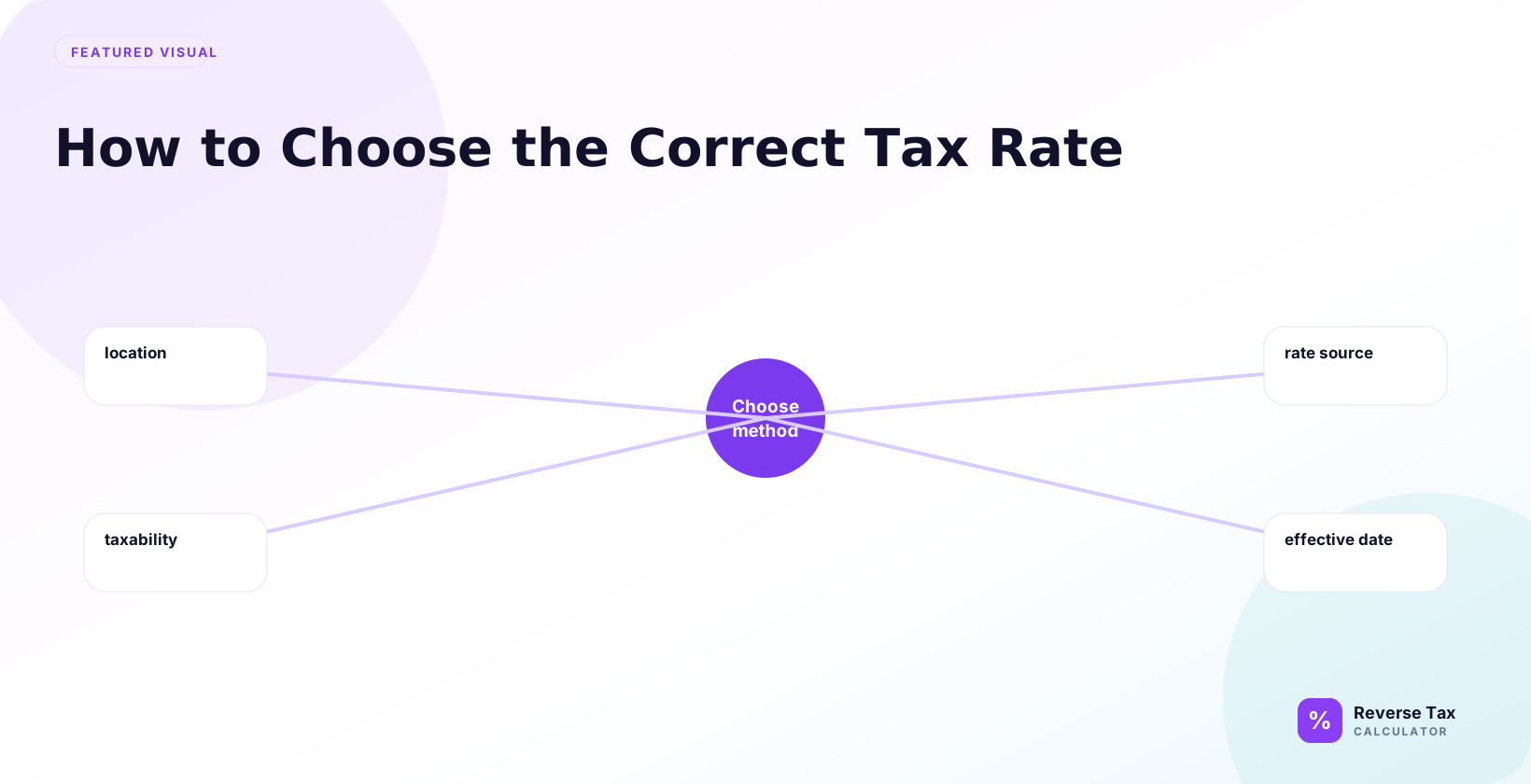
Choosing the correct tax rate means matching the transaction’s location, date, product type, and taxable status before reversing the total. A reverse tax calculator uses the rate as the divisor multiplier, so the wrong rate changes both the before-tax price and the tax included. State, city, province, VAT category, exemptions, zero-rated goods, local surtaxes, and receipt wording can all decide which rate belongs to the taxable amount.
Why the Correct Tax Rate Matters
Reverse tax works by dividing a tax-inclusive amount by a tax multiplier.
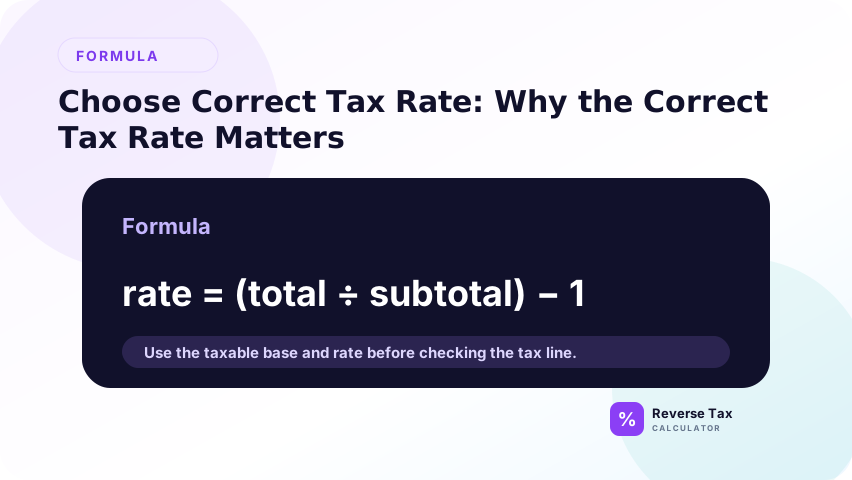
Pre-tax amount = Total / (1 + rate / 100)
If the rate is wrong, both outputs are wrong:
| Input problem | Effect |
|---|---|
| Rate too low | Pre-tax amount becomes too high |
| Rate too high | Pre-tax amount becomes too low |
| Missing local tax | Included tax is understated |
| Wrong item taxability | Tax may be removed from an exempt amount |
| Wrong date | A changed rate may be used |
Rate choice is not a small detail. It controls the entire calculation.
What Is the Correct Tax Rate?
The correct tax rate is the legally applicable rate for that transaction. It is not always the state rate, advertised rate, average rate, or rate from a nearby city.
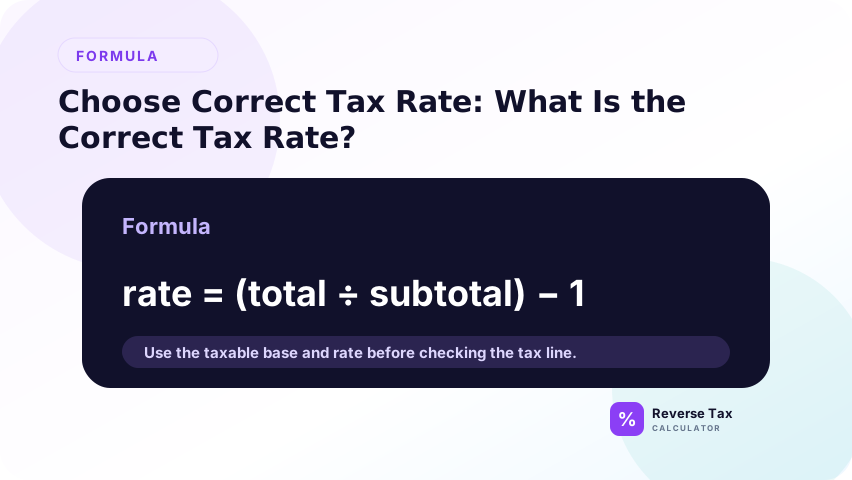
In many places, the checkout rate can include several layers:
| Layer | Example role |
|---|---|
| Country or federal consumption tax | VAT or GST in some systems |
| State or provincial tax | Statewide or province-wide component |
| County tax | Local county component |
| City tax | Local city component |
| District tax | Special district component |
| Product-specific tax | Special category or exemption rule |
For reverse tax, you usually need the combined rate that was actually charged on the taxable amount.
How to Choose the Correct Tax Rate Step by Step
Choose the correct tax rate by identifying the tax type, jurisdiction, transaction date, location, item category, exemption status, and whether local rates apply. For receipts, also read the tax label and shown tax line. The correct rate is not always the current headline rate. It is the rate that applied to that transaction's taxable base.
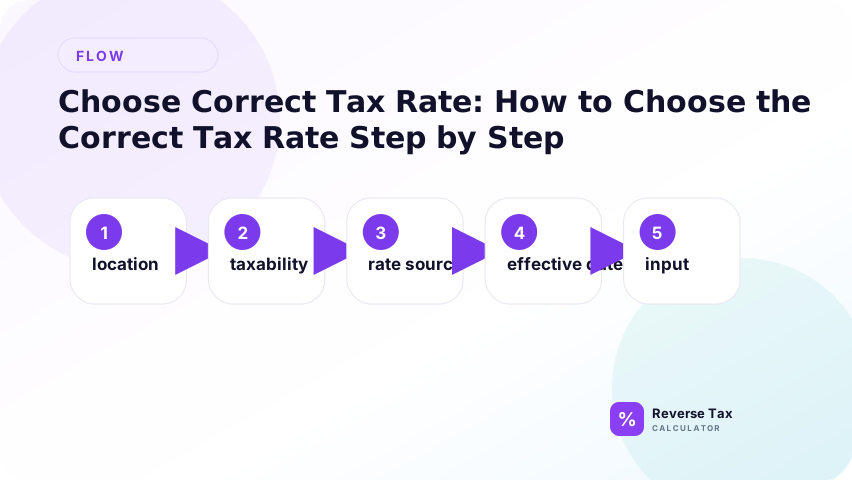
Use the steps in evidence order. Start with the receipt or invoice label, then location, then date, then product category, then official rate support. If the receipt already shows tax, calculate the implied rate as a check. If the implied rate differs from the official rate, inspect rounding, discounts, exempt items, and local components before changing the rate.
Step 1: Identify the Tax Jurisdiction
Identify the jurisdiction connected to the transaction before choosing a rate. For sales tax, this may mean store location, delivery address, city, county, district, or state. For VAT, GST, HST, PST, or QST, it may mean country, province, place of supply, or receipt tax label.
Start with the transaction location. For in-person purchases, this is usually the store location. For delivered goods, the rate may depend on destination or other sourcing rules.
Do not assume that two nearby addresses use the same rate. Local districts can change the combined rate.
This step prevents using a familiar headline rate that does not actually apply to the transaction. The jurisdiction defines which rate table and tax rules should be checked.
Step 2: Use the Transaction Date
Use the transaction date because tax rates and rules can change. A receipt from a prior year should be checked against the rate in effect on that receipt date, not the rate visible today. Refunds and audits often need historical rate support.
Tax rates can change. Use the rate in effect on the date of the sale, invoice, receipt, refund, or purchase.
This is especially important for old receipts, audits, refunds, and bookkeeping corrections.
If the date is unclear, label the rate selection as an estimate. Do not silently use the current rate for a historical transaction.
Step 3: Check the Item or Service Type
Not every item is taxed the same way. Some products can be taxable, exempt, zero-rated, reduced-rated, or taxed through a special rule.
| Item type | Rate-selection risk |
|---|---|
| General taxable goods | Usually uses standard combined rate |
| Groceries | Often exempt or reduced in some places |
| Clothing | May have thresholds or exemptions |
| Digital goods | Rules vary widely |
| Services | Often different from tangible goods |
| Shipping | May be taxable or non-taxable |
| Tips and service charges | Optional and mandatory charges may differ |
Step 4: Use the Combined Rate When Local Tax Applies
If the transaction includes local tax, use the combined rate. A state rate alone may be incomplete.
California CDTFA, for example, lists current city and county sales and use tax rate resources and states that the statewide tax rate is 7.25 percent. It also explains that local jurisdictions can add district taxes that increase the tax owed.
The operational lesson is not that every state uses California rates. The lesson is that official state pages often separate statewide rate, local rates, district taxes, and address lookup tools.
Step 5: Verify the Rate on the Receipt or Invoice
Verify the selected rate against the receipt or invoice whenever possible. If the document shows subtotal and tax, calculate the implied rate and compare it with the official rate you selected. This turns the receipt into a quality check instead of relying only on memory or a rate table.
If the receipt or invoice shows a tax line and subtotal, you can calculate the implied rate:
Rate = Tax amount / Pre-tax subtotal x 100
Example:
8.00 / 100.00 x 100 = 8 percent
If the implied rate differs from the expected rate, investigate before changing the calculation. Rounding, local district taxes, exempt items, discounts, and a subtotal that is not the taxable base can all explain a difference.
If the implied rate does not match the expected official rate, check for exempt items, discounts, shipping, multiple rates, or rounding.
Tax Rate Selection Matrix
| Situation | Best rate to use | What to verify |
|---|---|---|
| Simple receipt with one rate shown | Receipt rate | Confirm subtotal is before tax |
| Tax-inclusive total only | Official combined rate | Location, date, item type |
| Invoice with gross total and rate | Invoice rate | Confirm gross includes tax |
| Multiple tax lines | Each line rate | Reverse separately |
| State and local tax apply | Combined rate | State, county, city, district |
| Old receipt | Historical rate | Effective date |
| Refund | Original sale rate | Whether refund reverses original sale |
| Online order | Destination or sourcing rule | Official rule for that jurisdiction |
Example 1: Correct Rate vs State Rate Only
A state-only rate can be wrong when local city, county, district, or special rates also apply. If a receipt used a combined local rate and you reverse tax with only the state rate, the pre-tax amount will be wrong. This example teaches users to verify combined rate, not just the most familiar rate.
Suppose a purchase total is 108.00. The state rate is 6 percent, but the combined local rate is 8 percent.
Using 6 percent:
108.00 / 1.06 = 101.89
108.00 - 101.89 = 6.11
Using 8 percent:
108.00 / 1.08 = 100.00
108.00 - 100.00 = 8.00
The wrong rate creates a plausible but incorrect tax split.
Example 2: Correct Rate from Receipt Subtotal and Tax
Suppose a receipt shows:
| Field | Amount |
|---|---|
| Subtotal | 200.00 |
| Tax | 16.00 |
| Total | 216.00 |
Implied rate:
16.00 / 200.00 x 100 = 8 percent
Use 8 percent to reverse the 216.00 total if the whole receipt is taxable at that rate.
Example 3: Why Item Taxability Matters
Item taxability matters because the same rate may not apply to every product or service on a receipt. Food, clothing, medicine, digital goods, shipping, and services can have different treatment depending on jurisdiction. Reverse tax should not apply one rate to the whole total until taxable and exempt lines are separated.
Suppose a receipt total is 216.00, but 54.00 is exempt and 162.00 is taxable at 8 percent.
Do not reverse 216.00 at 8 percent. First isolate the taxable amount.
162.00 / 1.08 = 150.00
162.00 - 150.00 = 12.00
The exempt amount remains 54.00.
Example 4: Correct Rate for a Tax-Inclusive Invoice
Suppose an invoice shows a gross total of 1,130.00 and a tax rate of 13 percent. The invoice location, customer, and service type confirm that 13 percent was the applied rate.
Reverse calculation:
1,130.00 / 1.13 = 1,000.00
1,130.00 - 1,000.00 = 130.00
If you used 10 percent because it was easier, the result would be:
1,130.00 / 1.10 = 1,027.27
1,130.00 - 1,027.27 = 102.73
That is a 27.27 difference in the tax split. Easy rates are not reliable unless they are the actual rates.
Example 5: Correct Rate for a Refund
For a refund, the correct rate is usually tied to the original sale being reversed. If an item was bought at 8 percent and refunded later, using a newer 8.5 percent rate can distort the refund split.
| Refund input | Value |
|---|---|
| Tax-inclusive refund | 108.00 |
| Original sale rate | 8 percent |
| Later rate | 8.5 percent |
Using original rate:
108.00 / 1.08 = 100.00
Using later rate:
108.00 / 1.085 = 99.54
For recordkeeping, connect the refund to the original receipt before choosing the rate.
Official Source Workflow
Use this workflow when the result matters for business, tax records, or compliance:
- Identify the location and date.
- Search the official tax authority site for current or historical rates.
- Use an address lookup if the authority provides one.
- Confirm product or service taxability.
- Confirm whether local, district, or special taxes apply.
- Enter the combined rate into the calculator.
- Keep the source link or receipt for records.
Rate Selection Checklist
| Check | Yes or no |
|---|---|
| Do I know the transaction location? | |
| Do I know the transaction date? | |
| Do I know whether the item is taxable? | |
| Do I know whether local tax applies? | |
| Do I have the combined rate? | |
| Did I avoid using an average rate? | |
| Did I separate exempt amounts? | |
| Did I check receipt or invoice clues? |
Semantic Map of Rate Selection
The correct rate sits at the intersection of five entities:
| Entity | Question it answers |
|---|---|
| Location | Where did the taxable sale happen or source? |
| Date | Which rate was effective at that time? |
| Item or service | Was it taxable, exempt, reduced-rated, or zero-rated? |
| Tax layer | Did state, local, district, VAT, GST, or HST apply? |
| Document evidence | What does the receipt, invoice, or refund record show? |
This entity map helps prevent topical cannibalization. This page chooses the rate. The calculator page applies the rate. The receipt page finds the rate from receipt numbers.
When Not to Guess the Rate
Do not guess the rate when:
| Situation | Why guessing is risky |
|---|---|
| Business bookkeeping | Tax liability or input tax records may be affected |
| Refund reconciliation | Original sale rate may matter |
| Mixed taxable and exempt items | One rate cannot explain the whole total |
| Old receipts | Rates may have changed |
| Online orders | Sourcing can be more complex |
| High-value invoices | Small rate errors become large dollar errors |
If the transaction is small and personal, an estimate may be acceptable for understanding. If the transaction is for accounting, compliance, or customer-facing correction, use official records.
Common Mistakes
Common mistakes include using today's rate for an old receipt, using state rate instead of combined local rate, ignoring product taxability, ignoring exemptions, applying one rate to mixed items, and trusting a guessed rate when the receipt shows tax. The best workflow is to use source evidence first and official rate support second.
The highest-risk mistake is selecting a rate before defining the transaction. A rate belongs to a tax type, location, date, product or service, buyer status, and sometimes delivery address. If any of those attributes are wrong, the calculation may be clean but irrelevant. Rate choice is an entity-mapping task before it is a formula input.
Using the State Rate Instead of the Combined Rate
Local rates can change the amount charged at checkout.
Using a Current Rate for an Old Transaction
Historical transactions need the rate that applied on that date.
Applying One Rate to Mixed Items
Mixed taxable and exempt items should be separated before reverse calculation.
Using an Average Rate
Average rates are useful for research, not for a specific receipt or invoice.
Ignoring Rounding
One-cent differences may happen even when the rate is correct.
What This Page Does Not Cover
| Topic | Better page |
|---|---|
| State vs local rate comparison | State Tax Rate vs Local Combined Rate |
| Receipt rate detection | How to Find the Tax Rate on a Receipt |
| City and ZIP rate lookup | Sales Tax Rate by City, County, and ZIP |
| Taxable vs exempt items | Taxable vs Non-Taxable Items |
Frequently Asked Questions
Should I use state sales tax rate or combined sales tax rate?
Use the combined rate if local taxes apply. The state rate alone may not match the checkout tax.
How do I find the tax rate from a receipt?
Divide the tax amount by the pre-tax subtotal, then multiply by 100.
Can I use a tax rate from Google search?
Use official tax authority sources when accuracy matters. Search snippets can be outdated or incomplete.
What if the receipt has no tax rate?
Use the location, date, item type, and official rate lookup to identify the likely rate.
Why does my calculated rate look strange?
The receipt may include exempt items, multiple rates, discounts, shipping, tips, or rounding.
Sources
These sources support rate selection and tax authority context. The formulas on this page depend on choosing the correct rate before calculating. Use official state, local, national, or provincial tax sources for compliance-sensitive rates and taxability. Use this page to structure the rate-selection workflow before reverse tax.